

Notifications
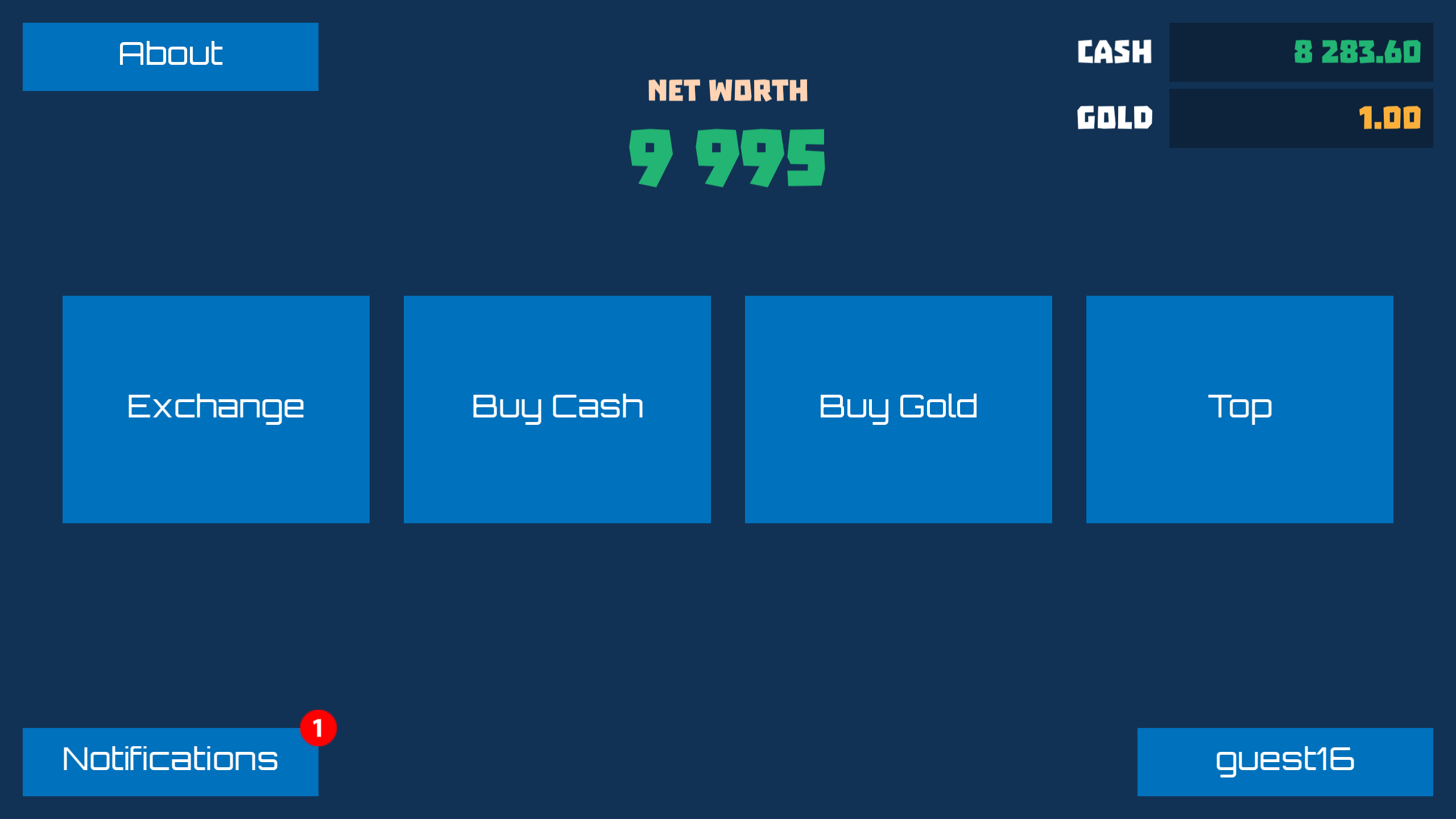
After sending a limit order, everything depends on the direction in which the market will go. If the market falls and
the price drops to the specified one, the limit order will be processed and a red badge with the number of new
notifications will appear on the Notifications button on the main screen.
Notifications List
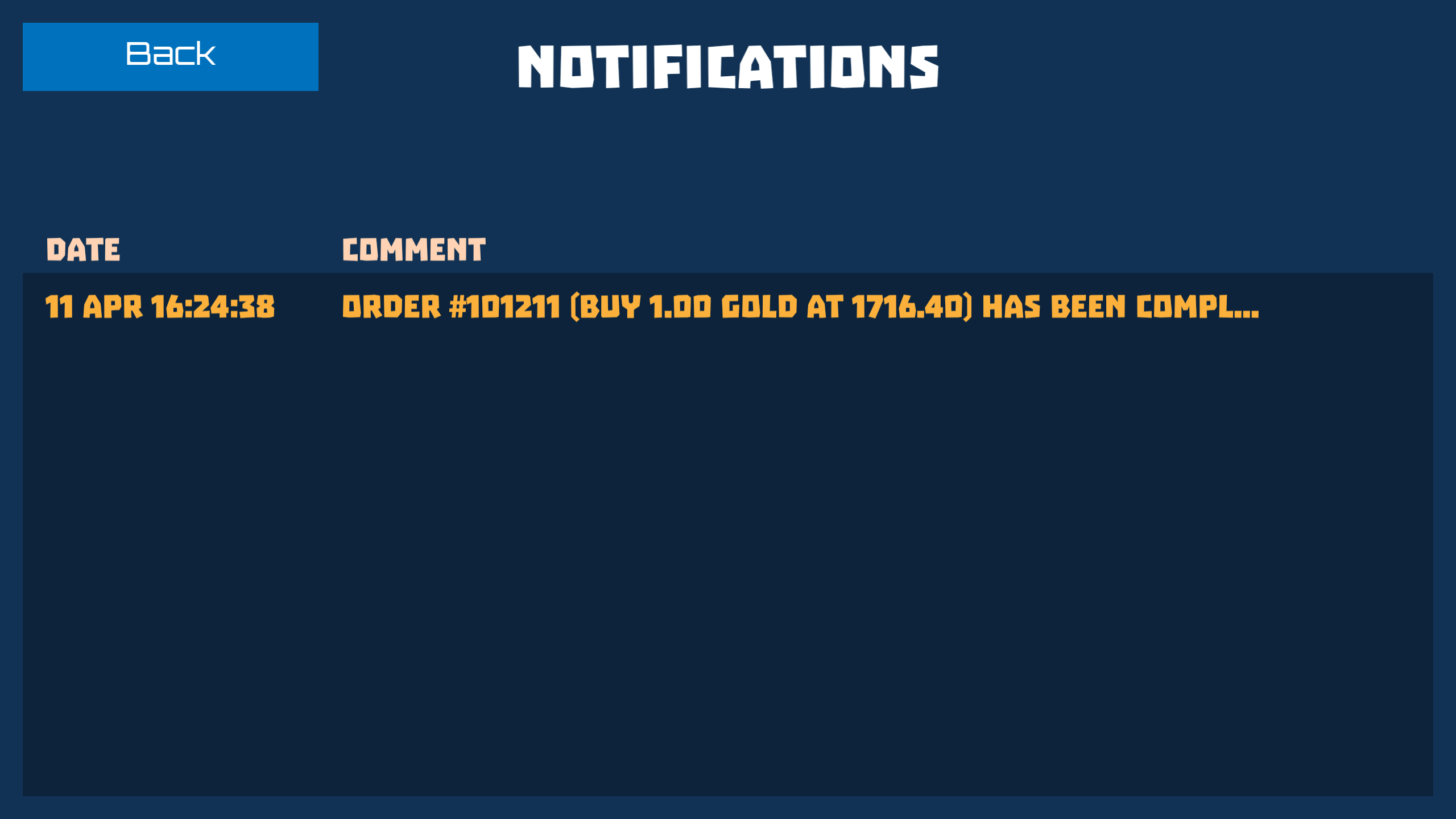
To view the notifications list, click the Notifications button. The list shows the date and the text of each notification.
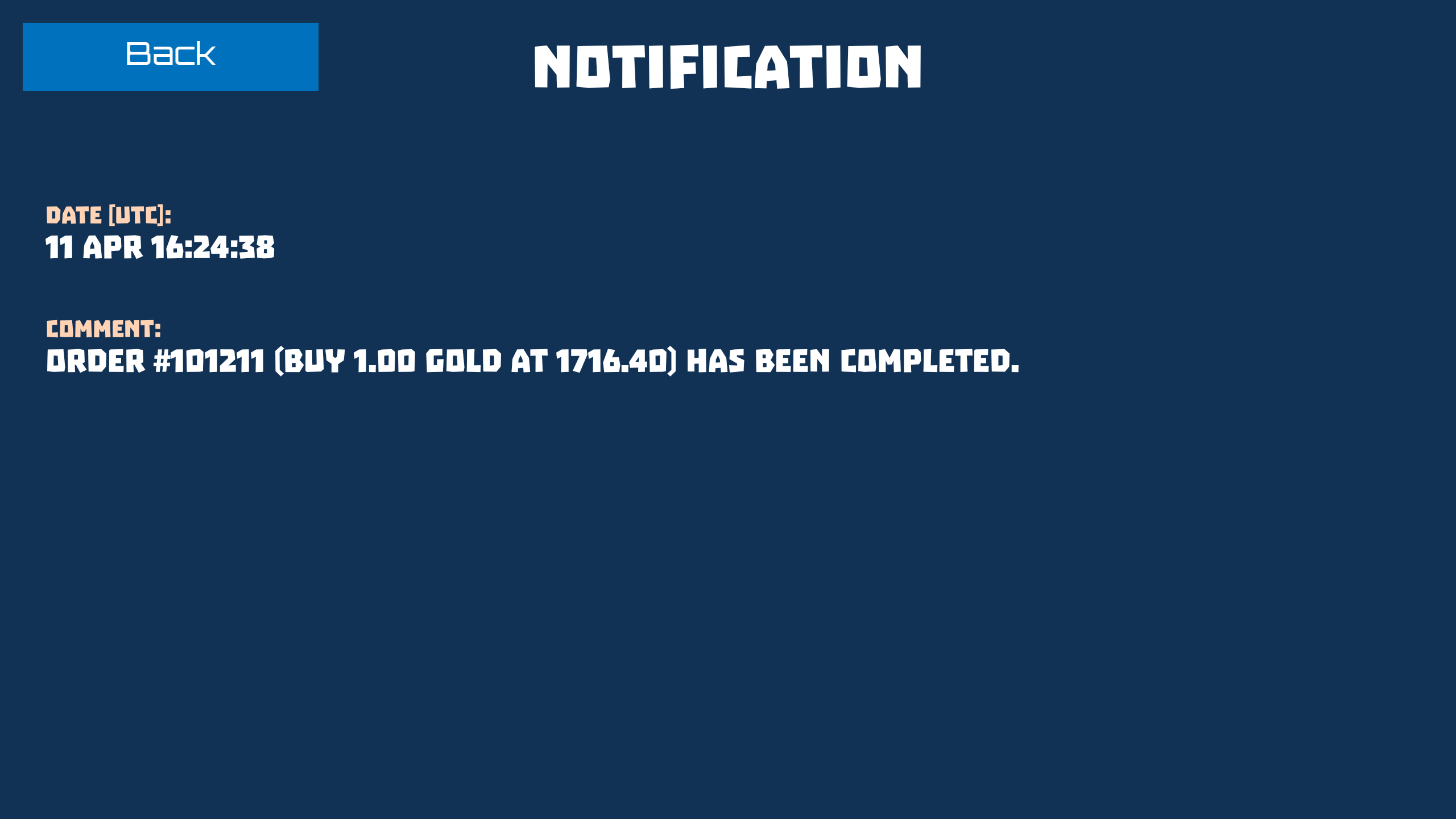
To read a notification in full, click on its row.
Email Notifications
Notifications arrive inside the game. To receive them outside of it, by email, you need to register with an email. If you
started the game as a guest, link an email to your account with the Link Email button in the profile.